User Guide
Easily manage balance, switch models, and submit top-ups through the dashboard
Open Panel Link
Select Model
Top Up
Start Using
1
Open Dashboard
Open the user panel via the link from your agent. No registration or login needed — just use it directly.
2
Check Balance & Usage
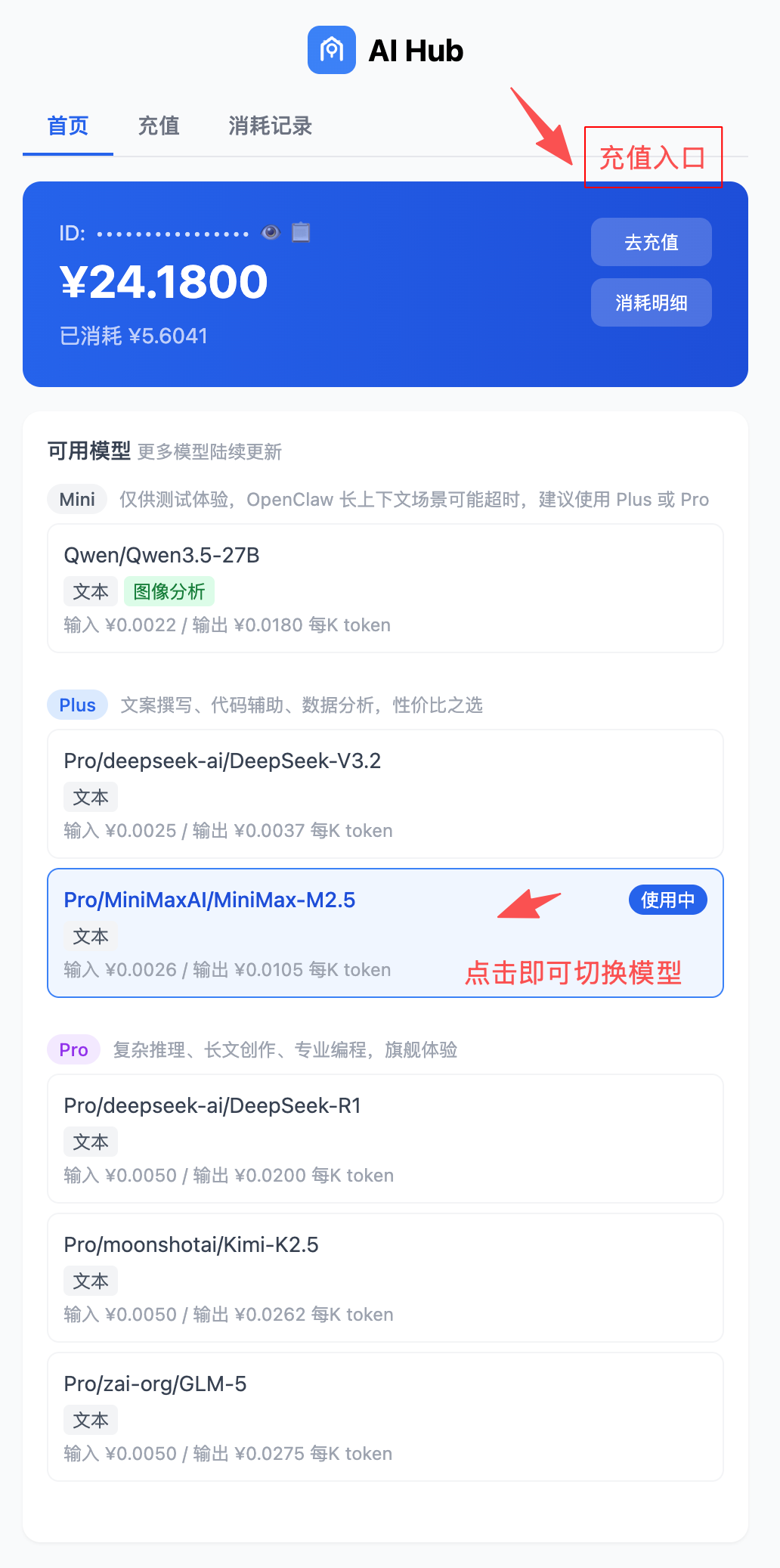
The dashboard home page shows your real-time balance. Switch to "Usage" to see details of every API call, including model, token count, and cost.
3
Switch Models
Click any model on the "Home" tab to switch instantly. No config changes or service restart needed. Different models have different pricing and capabilities.
4
Top Up
Click the "Top Up" button, scan the payment QR code to transfer, then enter the amount and submit. Balance is credited after agent confirmation.